August 2026
Release Notes

Release 08.26
Release date: 08/13/2026

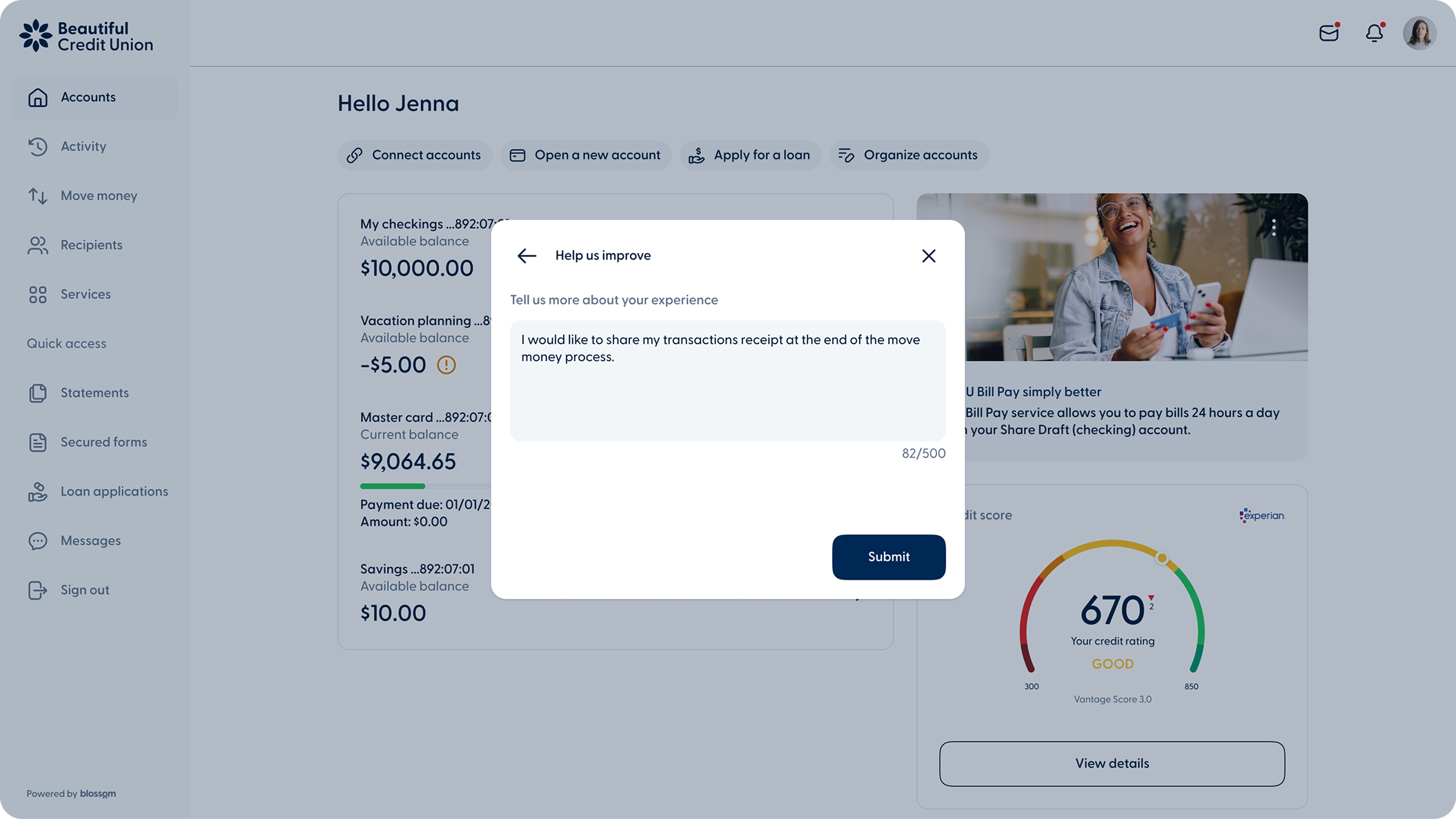
  • You - Browser Survey 1
    You - Desktop
  • You - Browser Survey 2
    You - Desktop

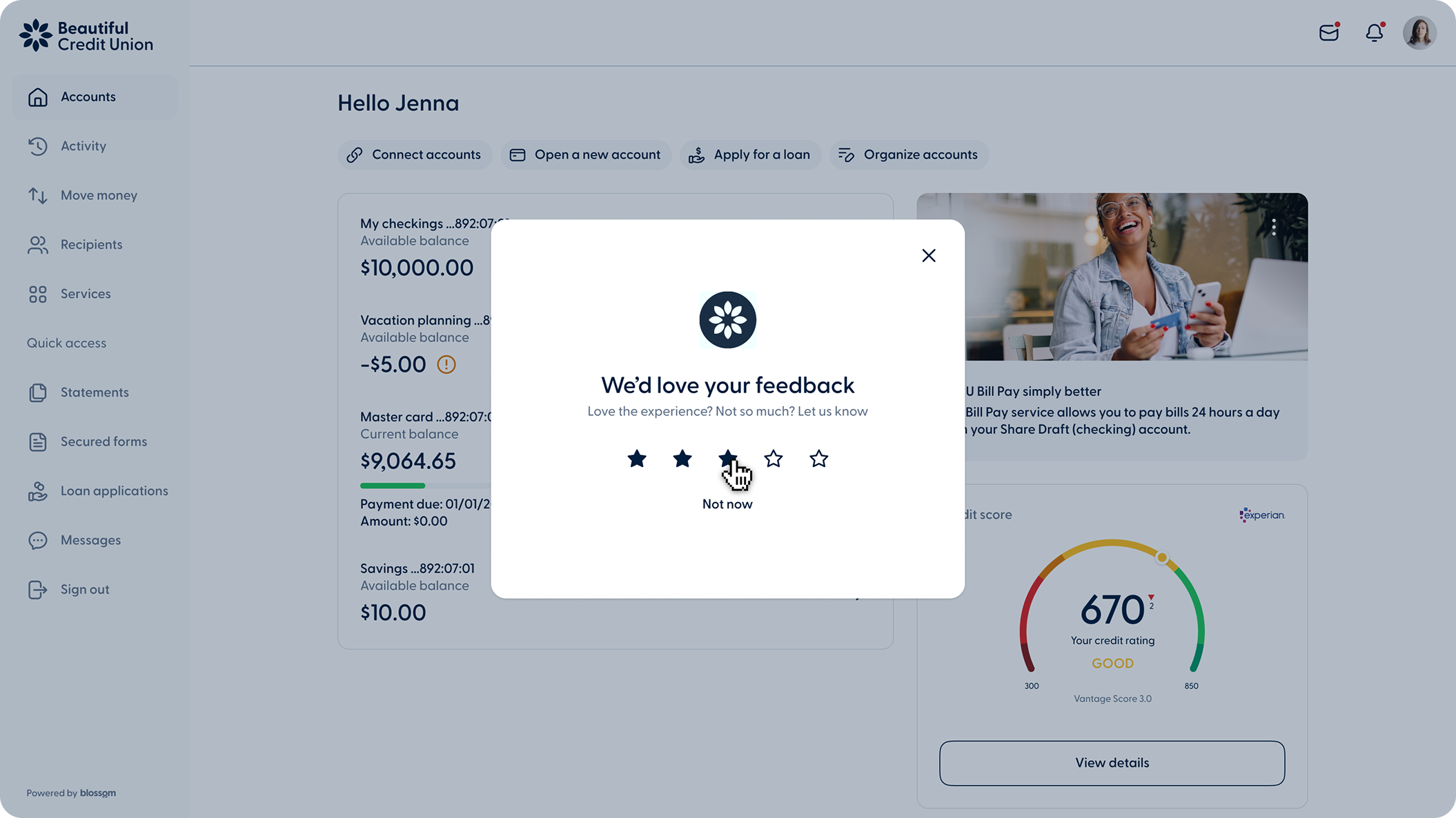
Rating Survey

Members can now rate their online banking experience. The rating prompt appears occasionally after completing a transaction or while using online banking, rather than on every visit or after every transaction.
Other improvements


Connect Accounts and Secure Forms: New Look, Same Feel
Connect Accounts and Secure Forms have a fresh new look, designed to match Blossom's user interface, so everything feels familiar. Nothing about how they work has changed, just a cleaner experience for you and your members.

  • Breeze - Desktop - Language options
    Breeze - Desktop
  • Image
    Breeze - Mobile

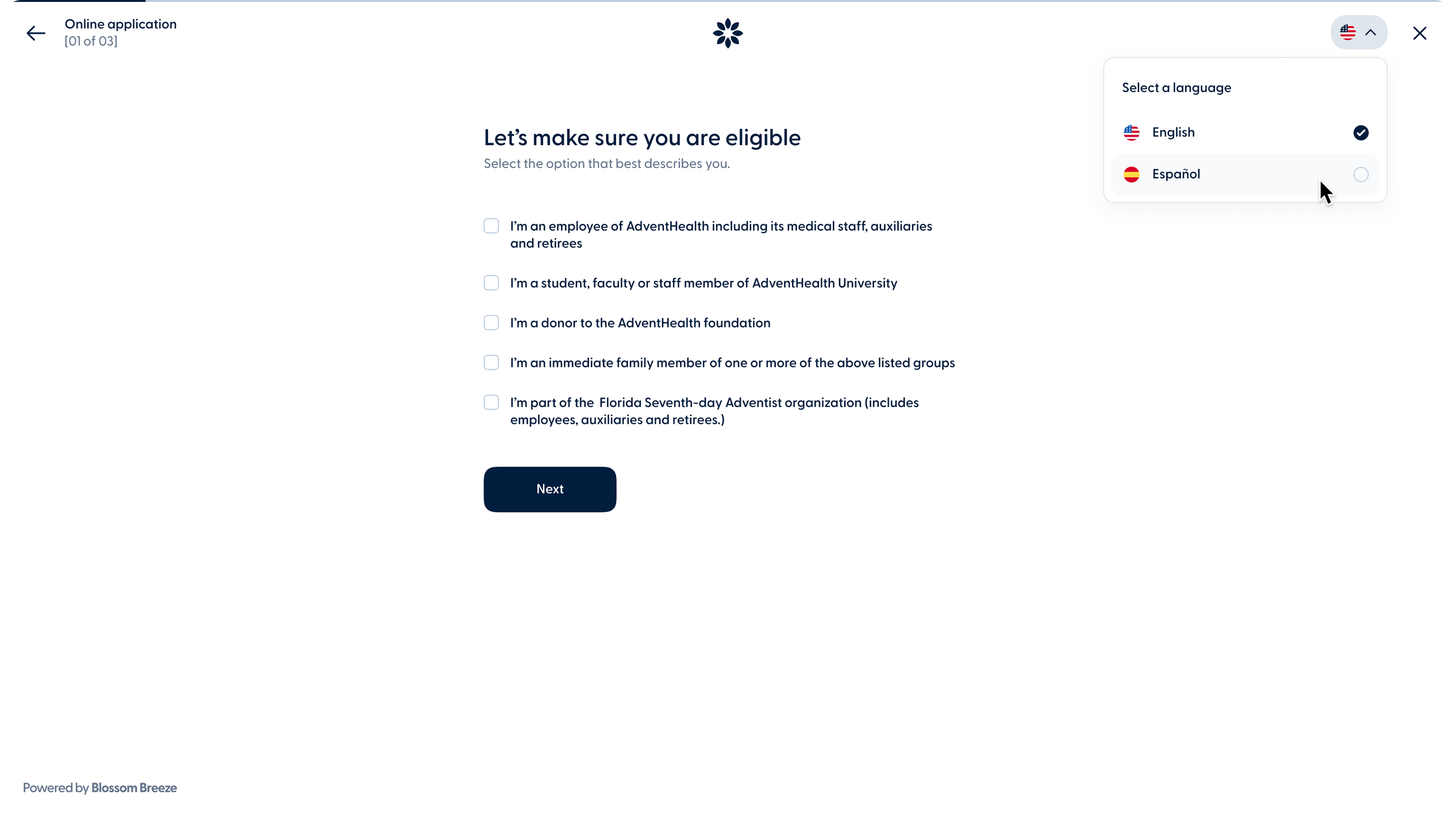
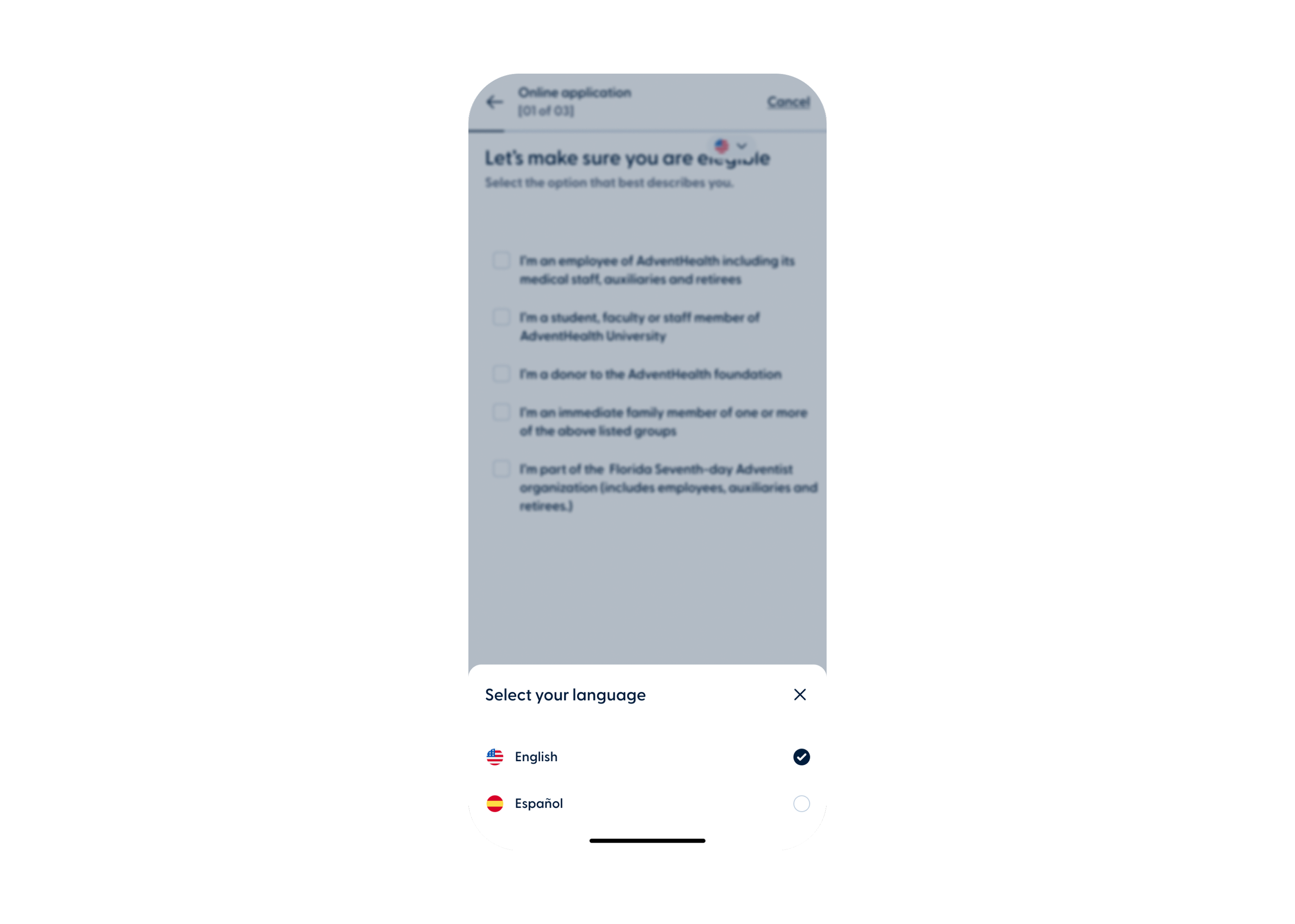
Multi-Language Support (English/Spanish)

Members can now complete Breeze applications (membership, loans, and account opening) in English or Spanish. The language toggle lives in the header and holds for the whole session, even if it's closed and reopened.

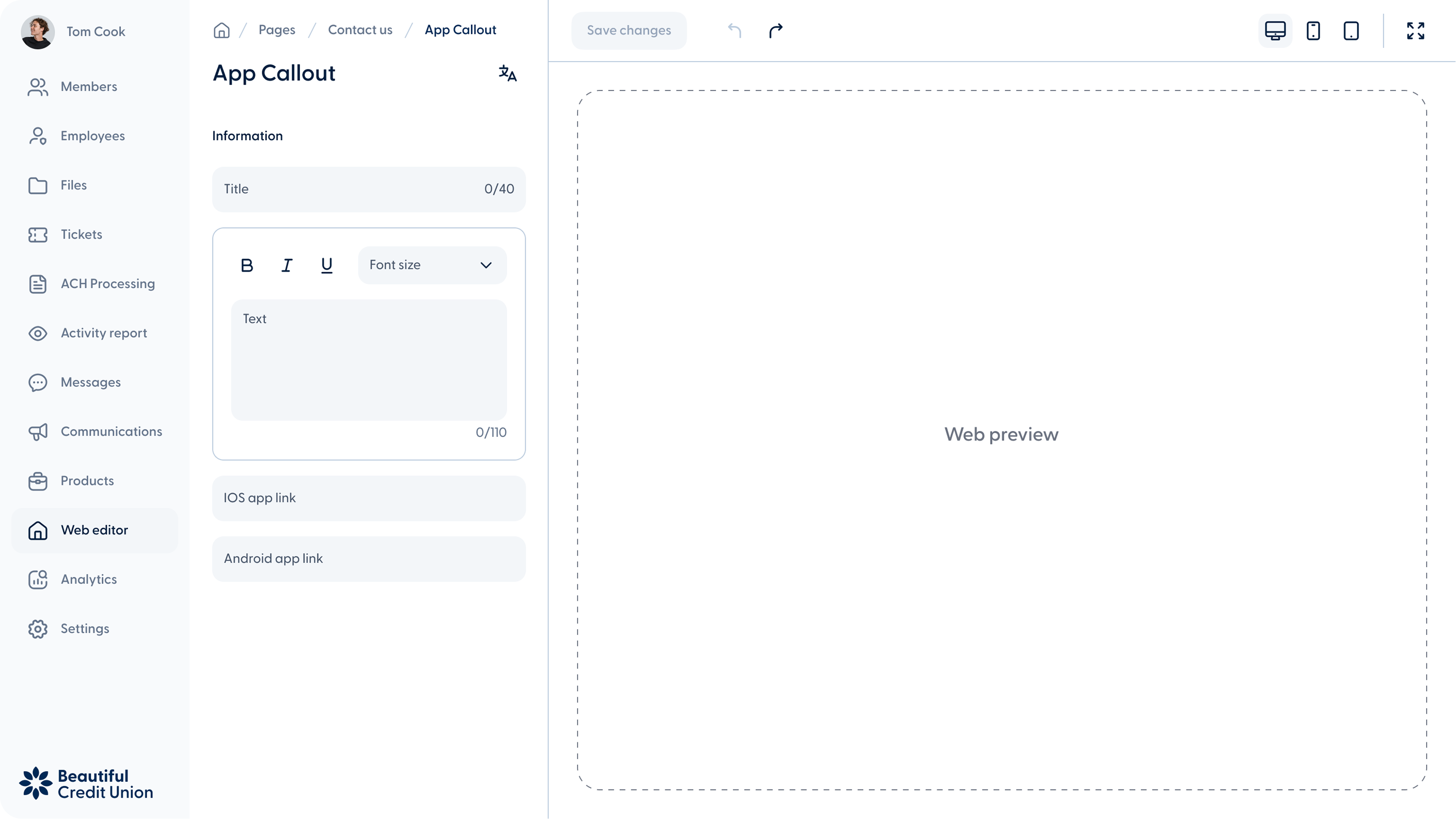
  • Web - Simple Text Editor
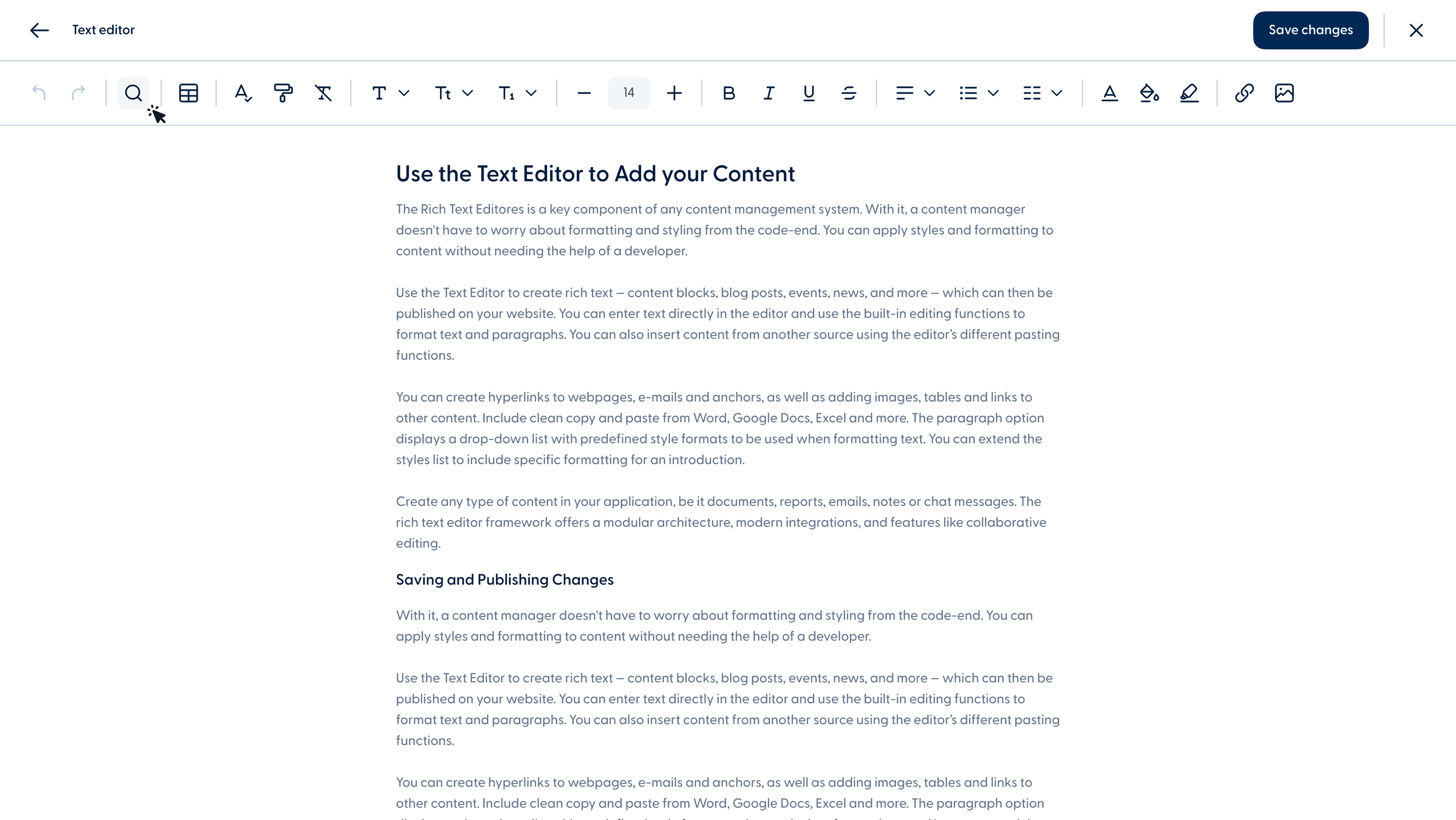
  • Web - Rich text editor

Rich Text Editor for CMS Content

CMS administrators now have two editing modes. The Simple Editor handles quick inline updates: bold, italic, and font size. The Rich Text Editor is for heavier lifting: tables, image insertion, two-column layouts, spell check, search and replace, and more.

To be released on
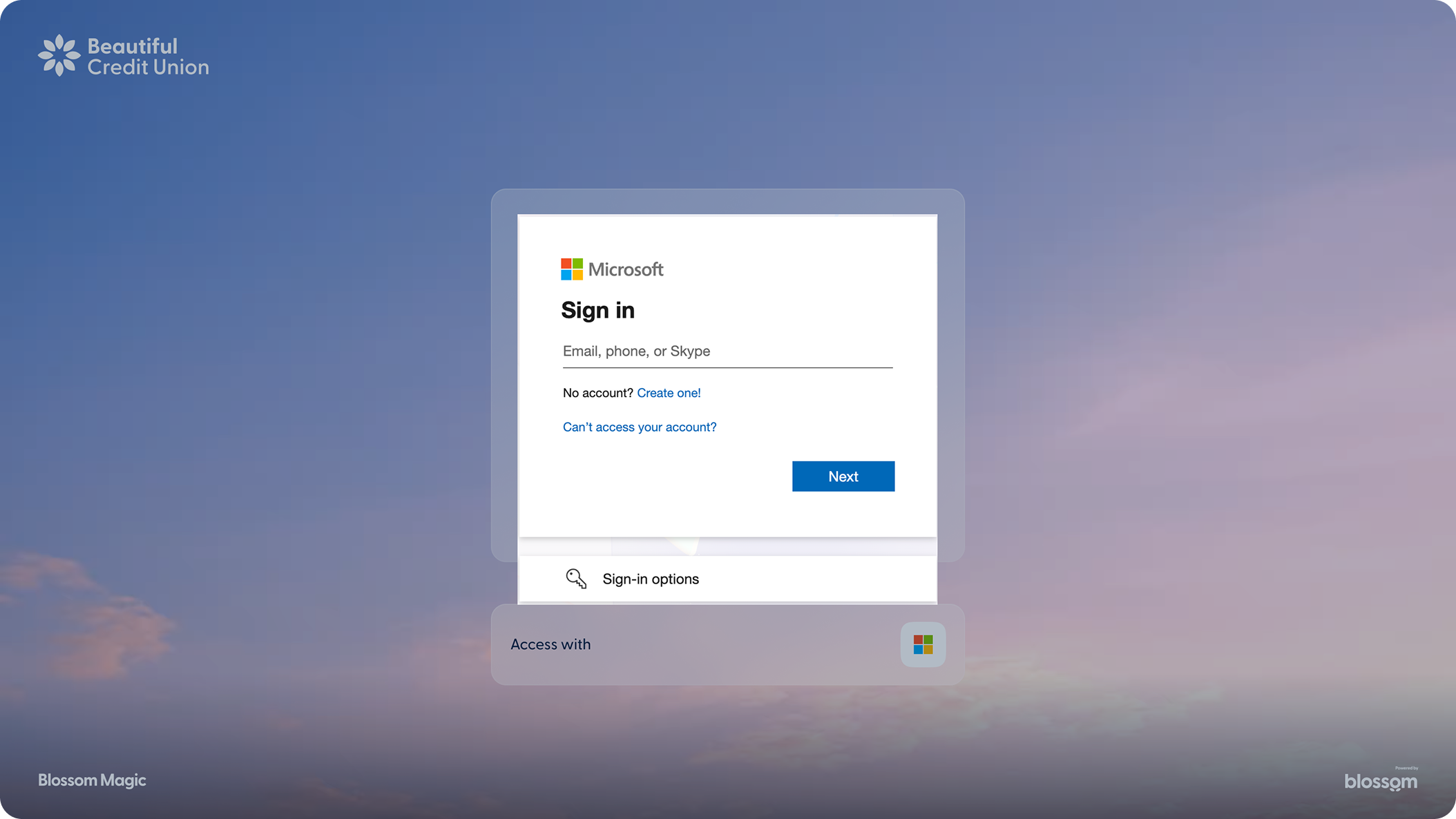
  • Magic Desktop Sign In
  • Magic - Sign In Security

Sign In with Microsoft

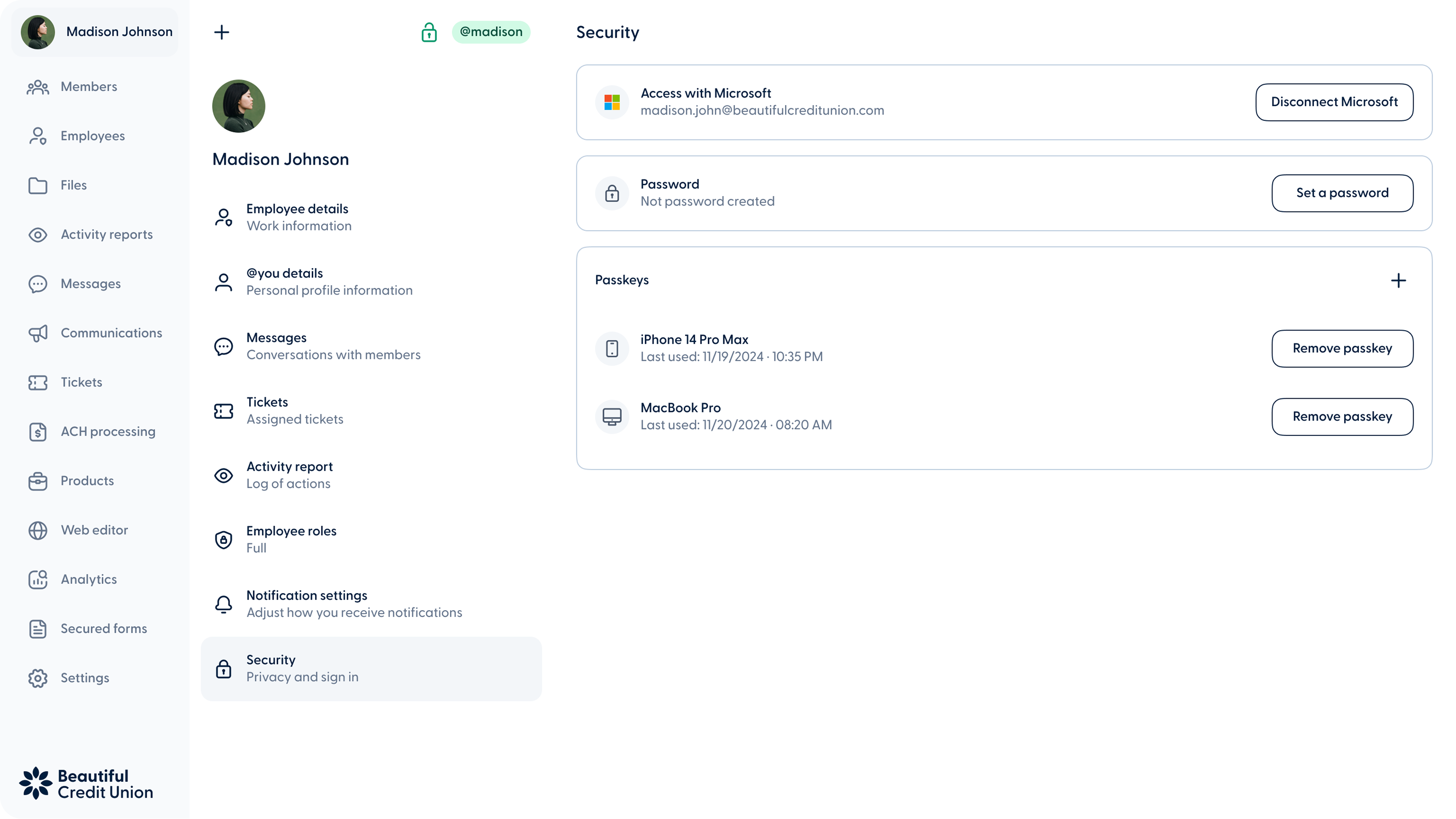
Magic employees can now sign in using their corporate Microsoft account. An "Access with Microsoft" button appears on the login screen and invitation acceptance screens, so new employees can register without setting up a separate username or password. Existing employees can connect their Microsoft account from Profile > Security, which now brings all authentication settings together in one place (Microsoft access, password management, and passkeys). The feature is controlled at the credit union level.

Other improvements


Ticket PDF Export: Redesigned Layout

Magic ticket PDFs now have a cleaner, two-column layout with correct credit union branding. What used to run seven-plus pages now fits in three to five. The download and print action is unchanged.

  • Batch_Transactions_Web
    Web

Improved batch transaction editing from web banking

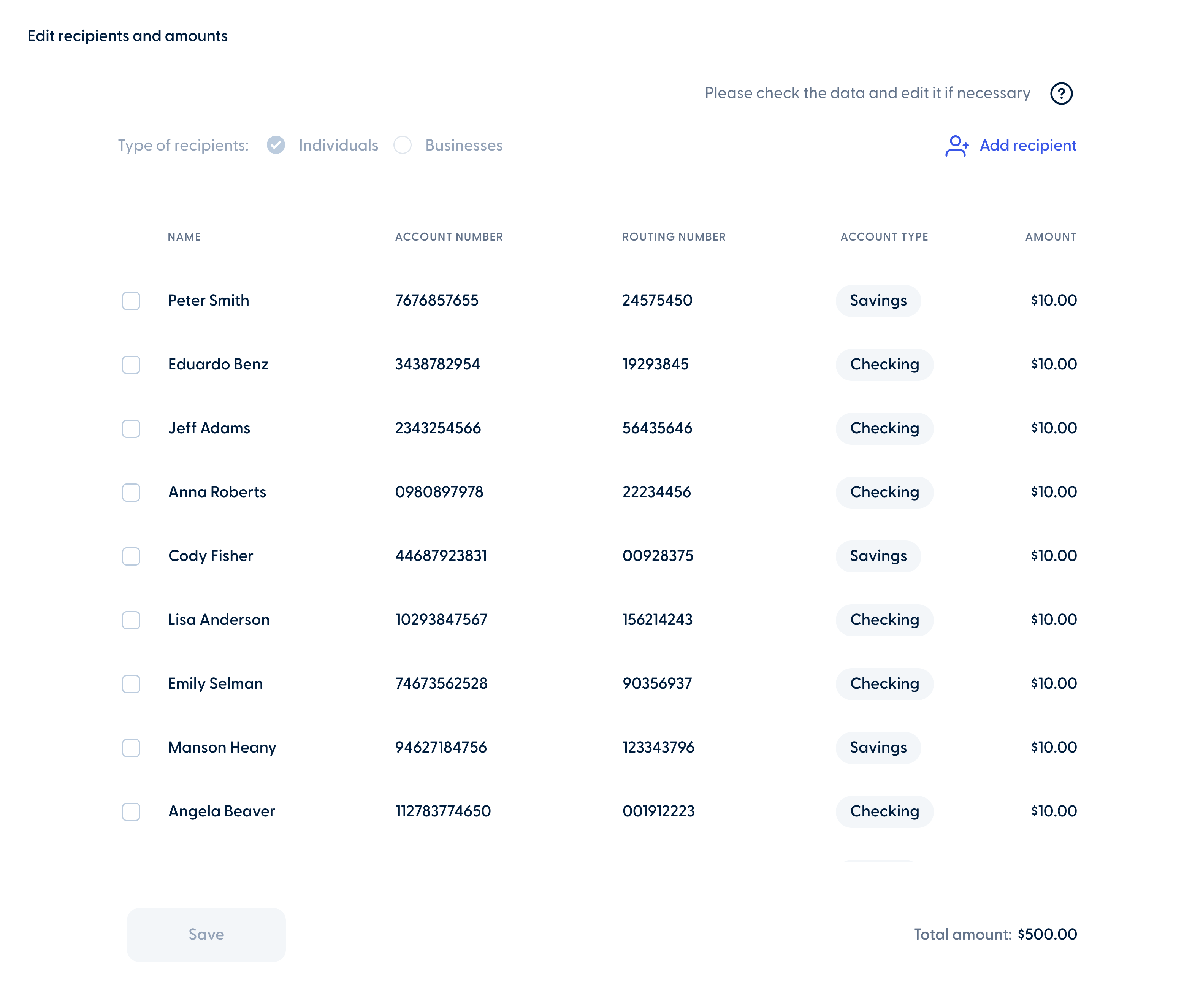
Business members can also edit their scheduled batch transactions directly from the activity section on the web banking experience. In addition to updating the start date, stop conditions, frequency, and notes, members can also manage recipients and amounts, including adding, editing, or removing them as needed.


  • Breeze_Funding_Responsive
    Web
  • Breeze_Funding_mobile-1
    Mobile

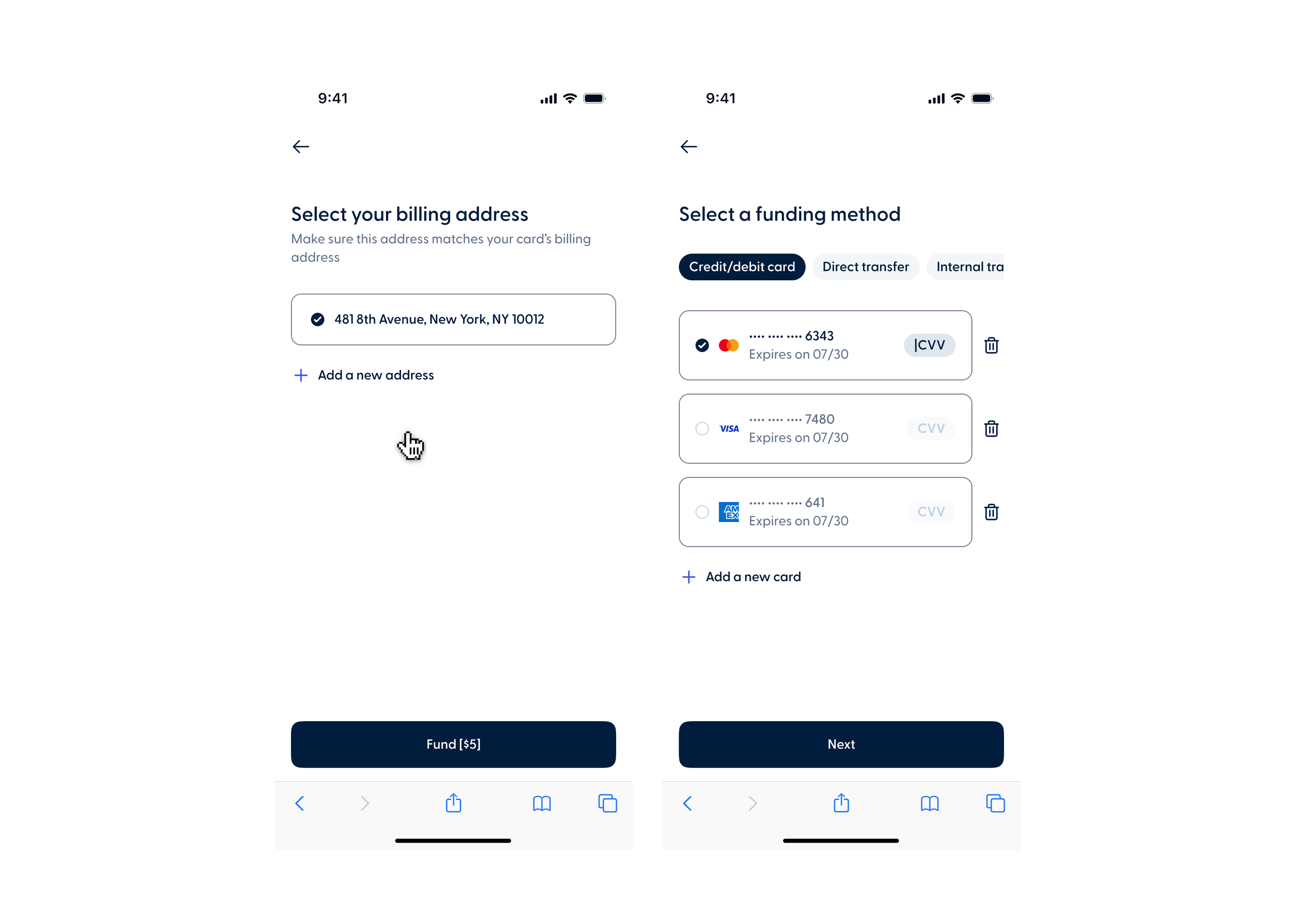
Improved funding flow with saved cards and billing address

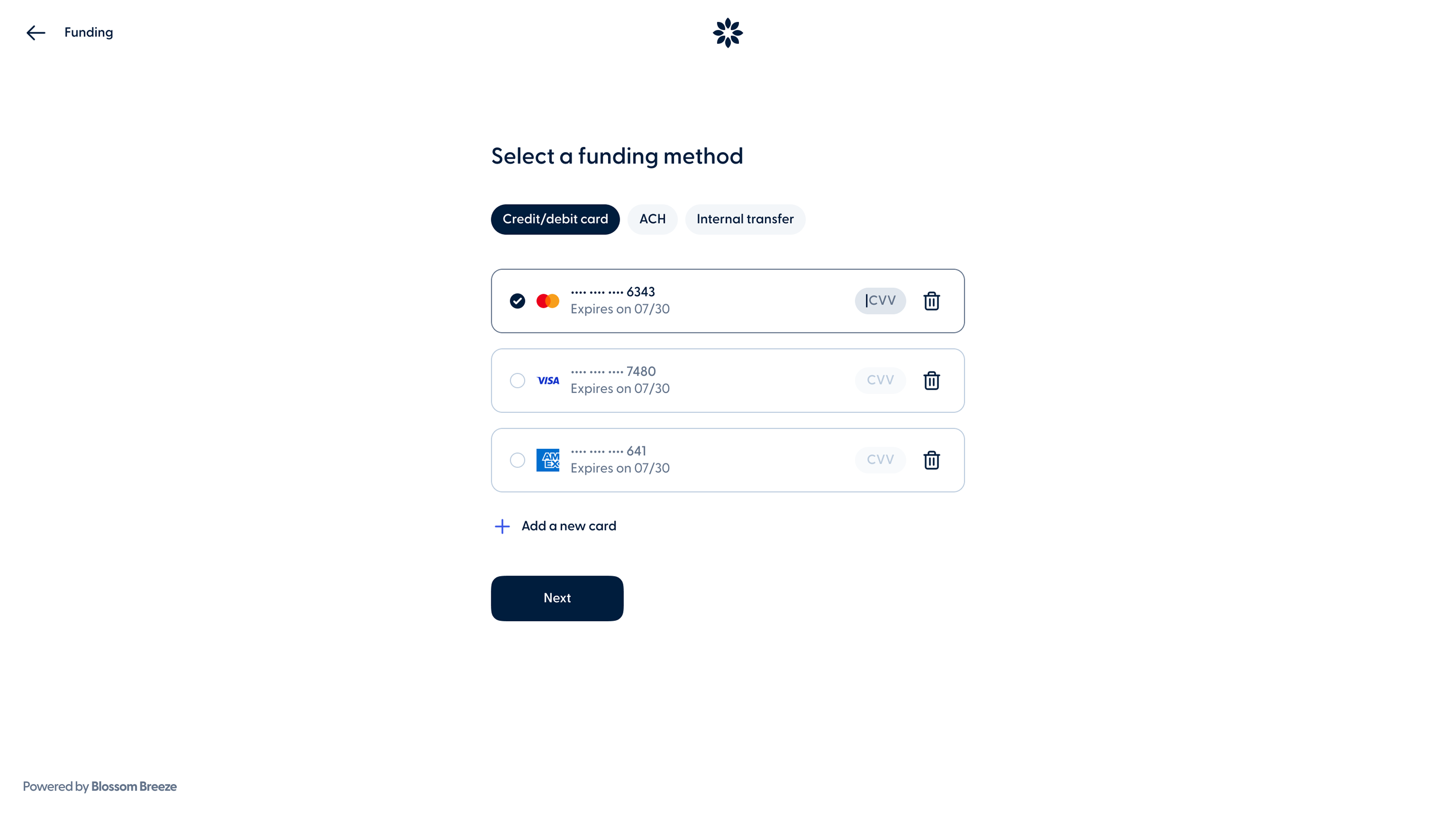
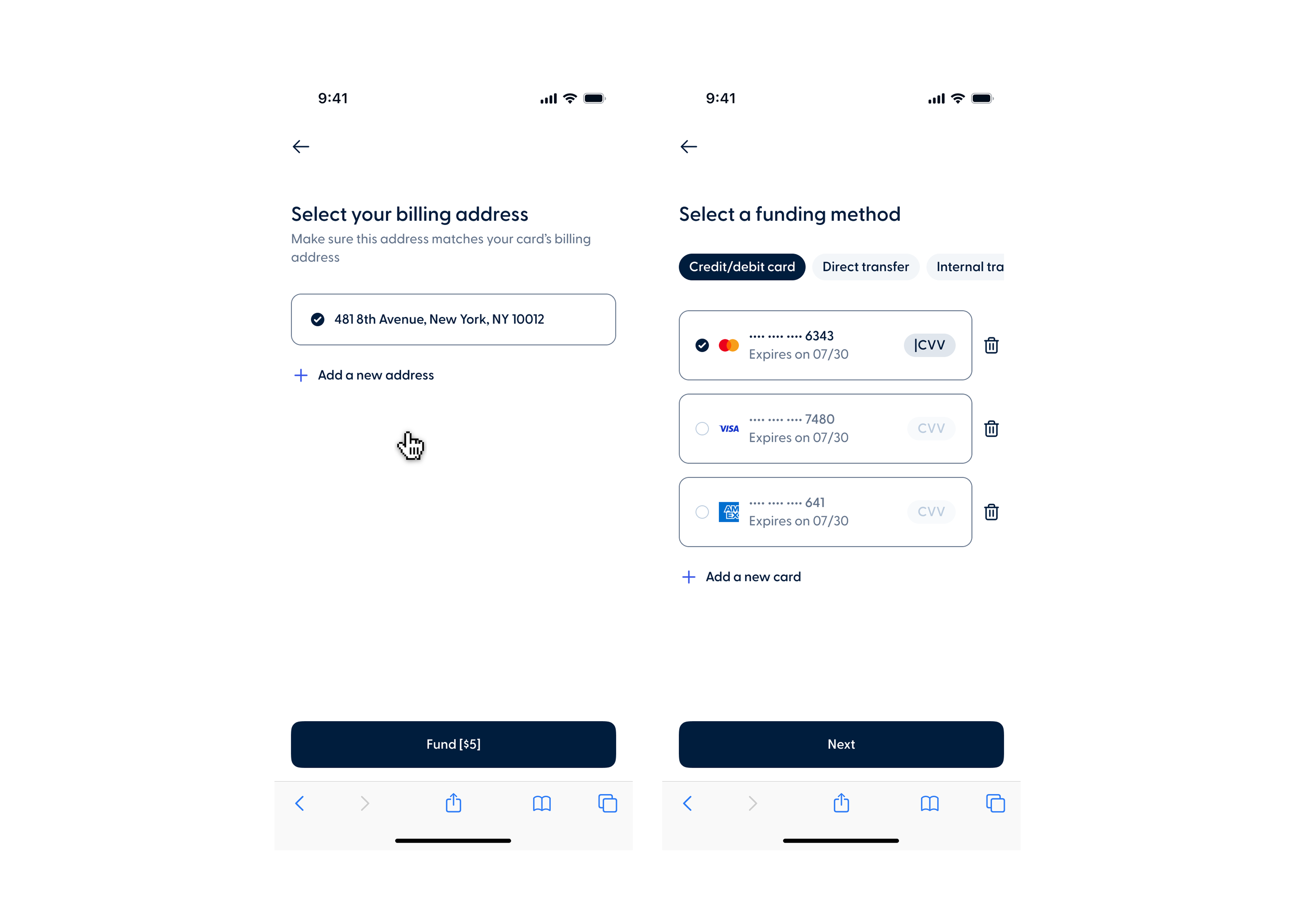
Members can now save a card during the funding process and select it on future applications without having to re-enter their details. A new billing address step also lets members choose the address used during their application or add a new one.

This update will be available on May 26th.

Recent release notes