New merge @You feature
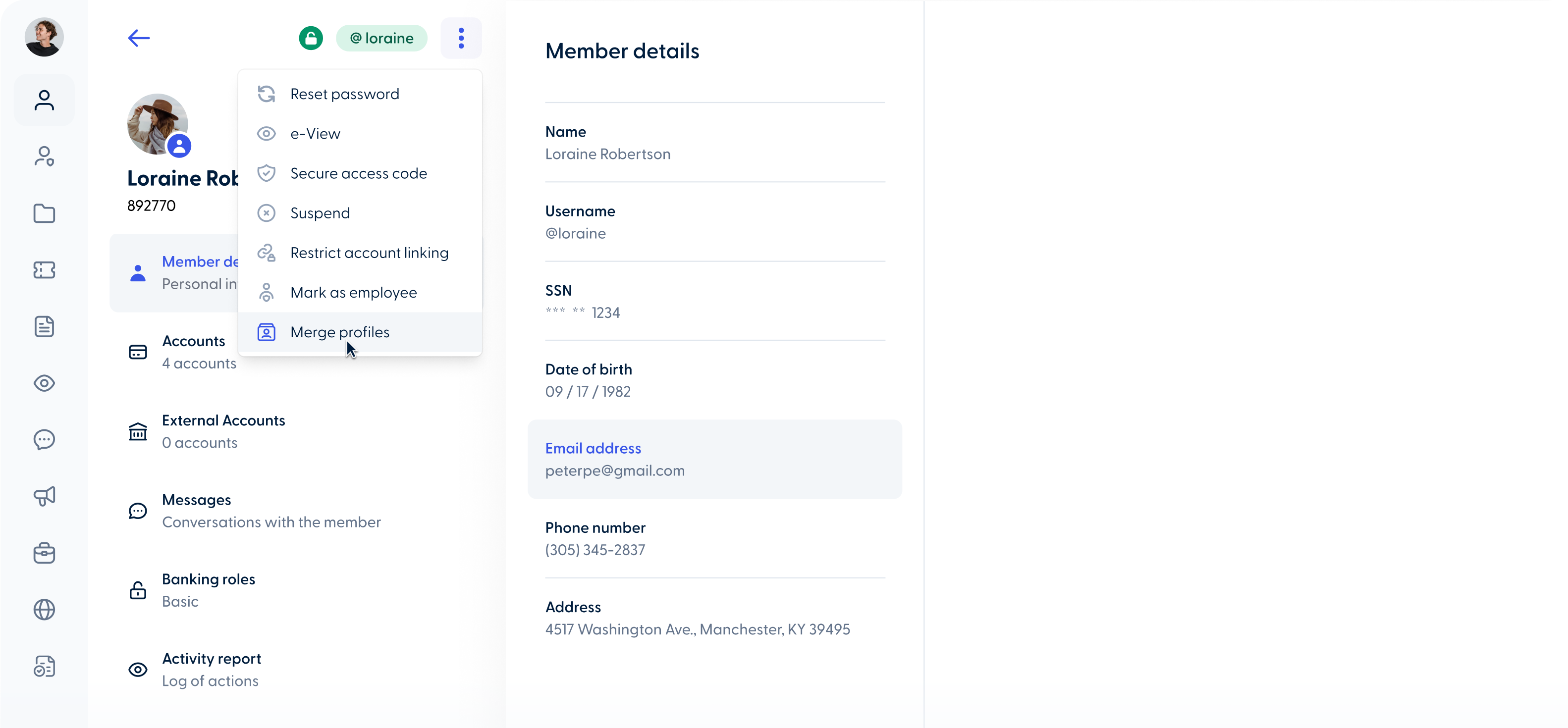
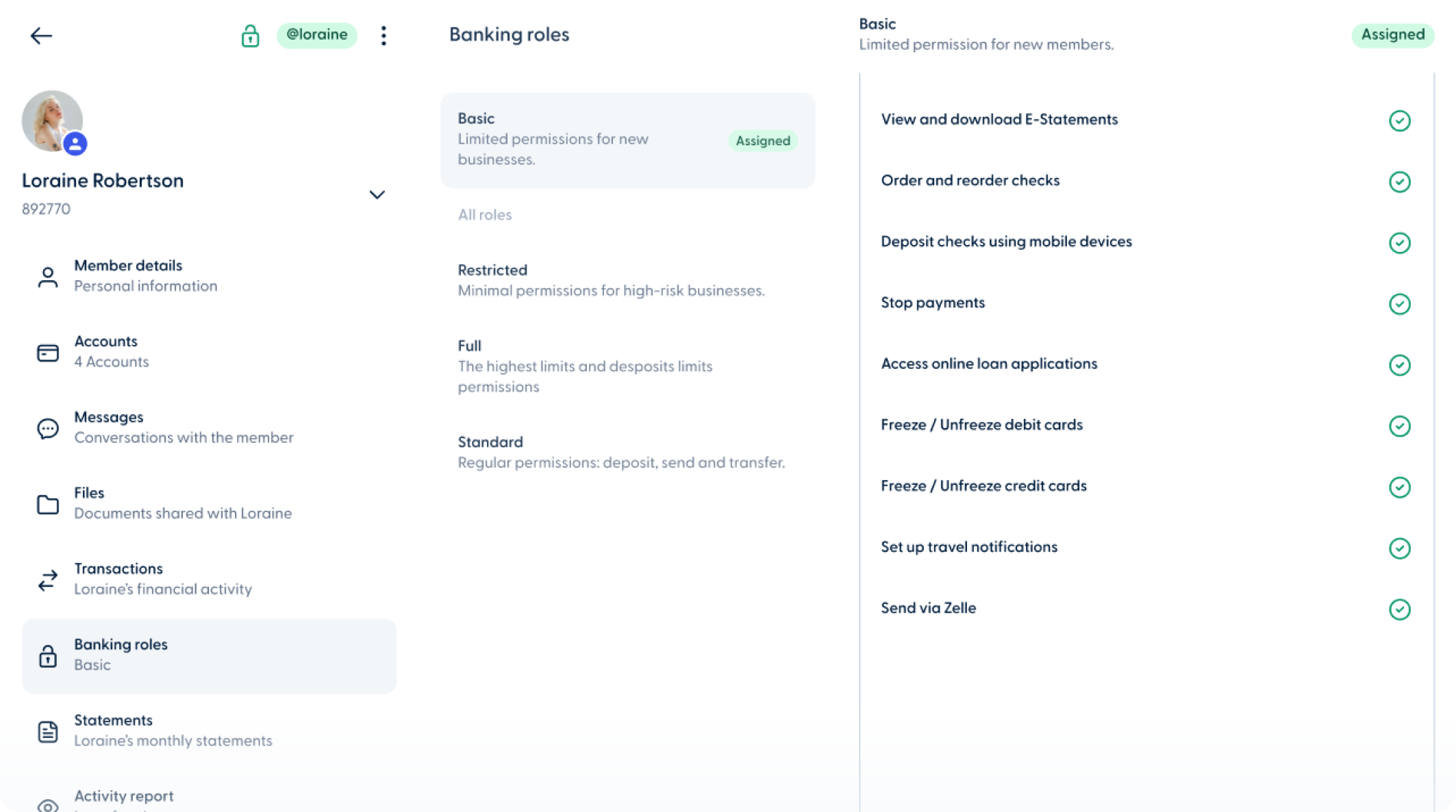
This feature gives the admins the control to merge @you's for two key scenarios:
Migration Duplicates:
During a migration process, if a member accidentally creates a new @YOU profile while also having a migrated user profile, admins can now merge the two. This prevents the need to delete either account and avoids any potential loss of information.
Multi-Credit Union Memberships:
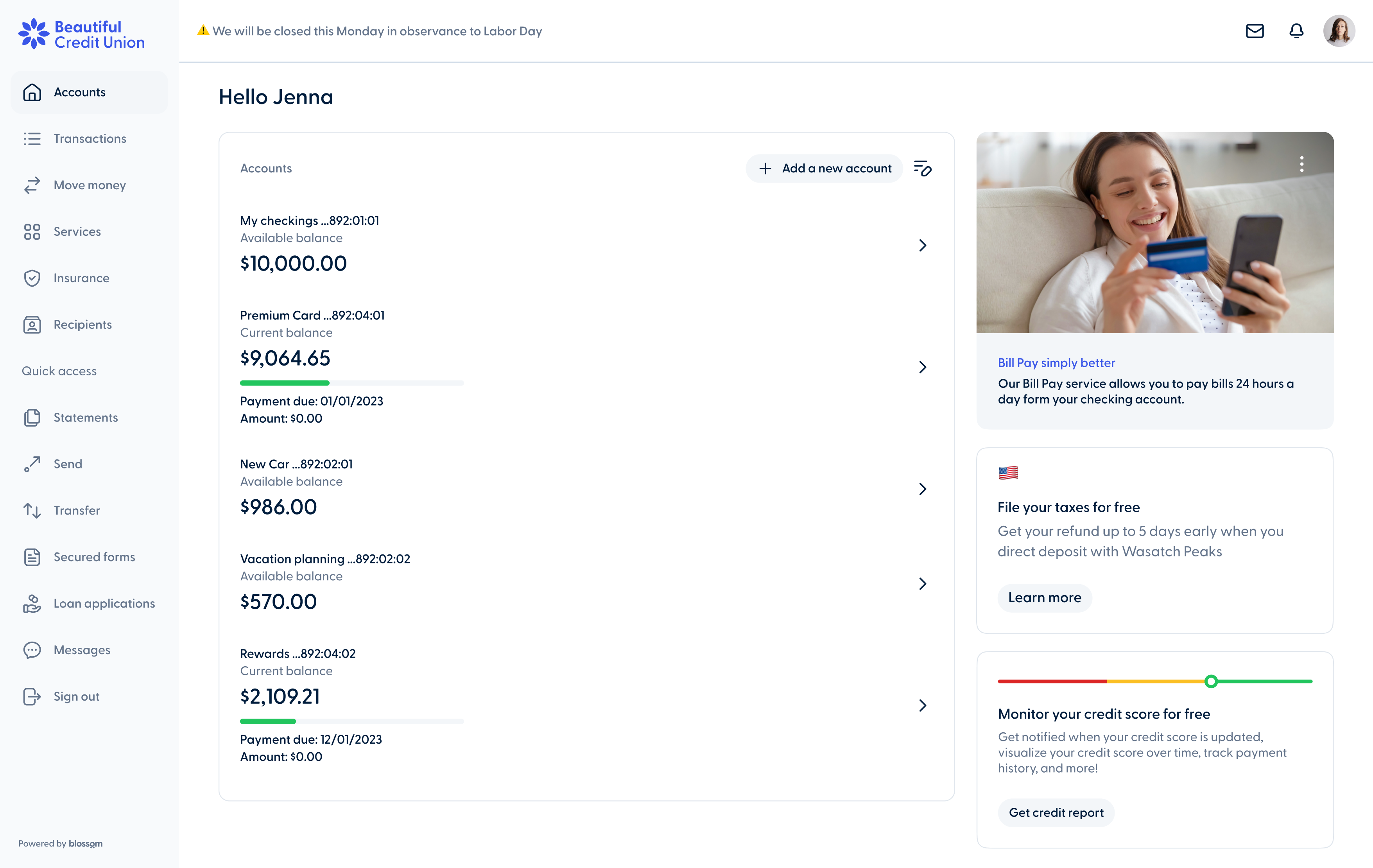
If a user belongs to more than one credit union that uses Blossom and wishes to maintain the same credentials across all institutions, the Merge @YOU feature allows the admin to combine their profiles into one, simplifying access and management.
Important points:
-
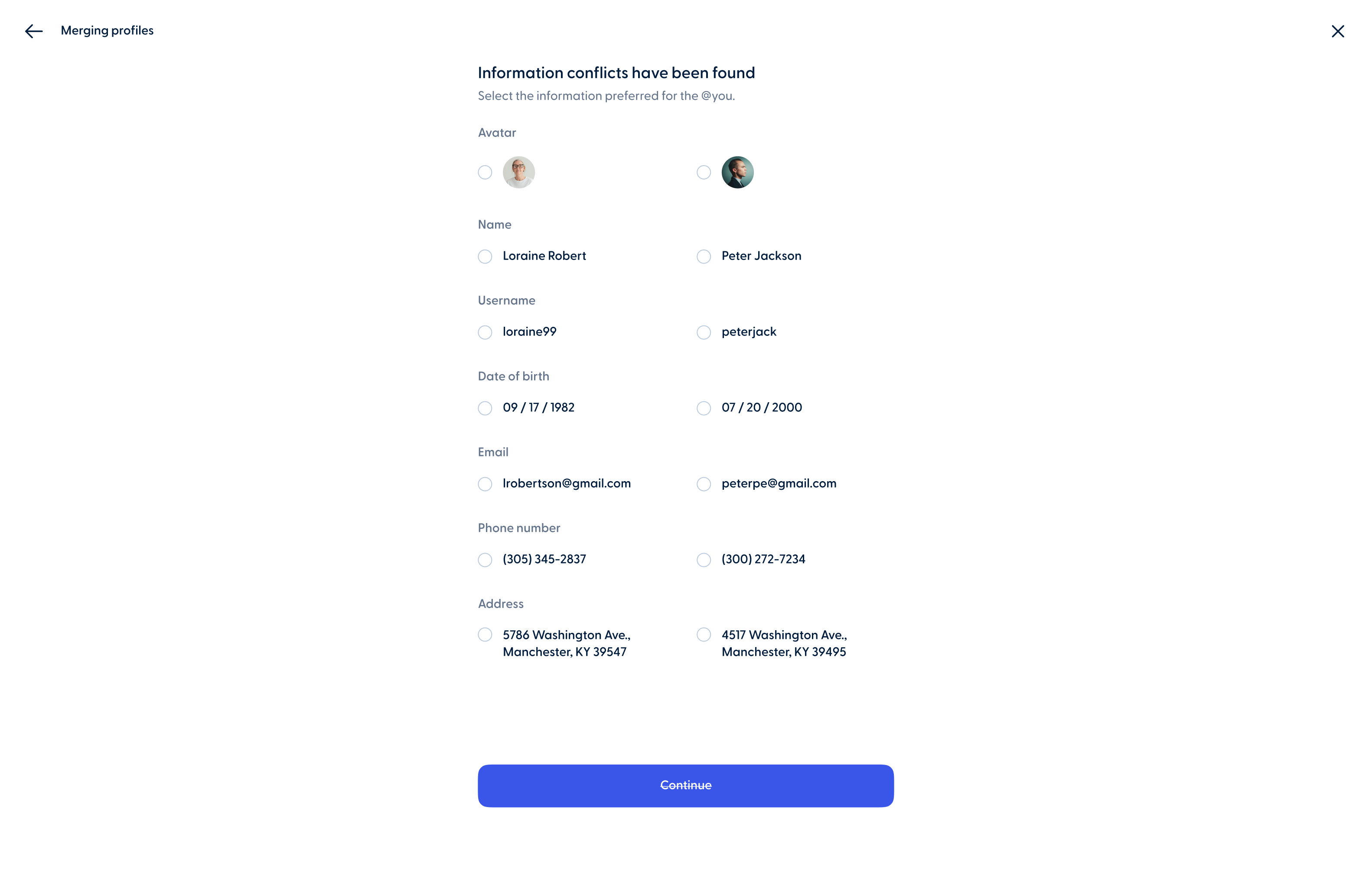
A merge can only be performed if the user's information matches exactly in both @YOU profiles. Specifically, the Social Security Number (SSN) must be identical in both accounts.
-
The user must confirm ownership by providing the admin with the verification code sent to the email or phone number associated with the @YOU account that will be merged.
-
The admin is responsible for verifying and confirming that the two @YOU profiles indeed belong to the same user before proceeding with the merge.




%201920x1080.png)