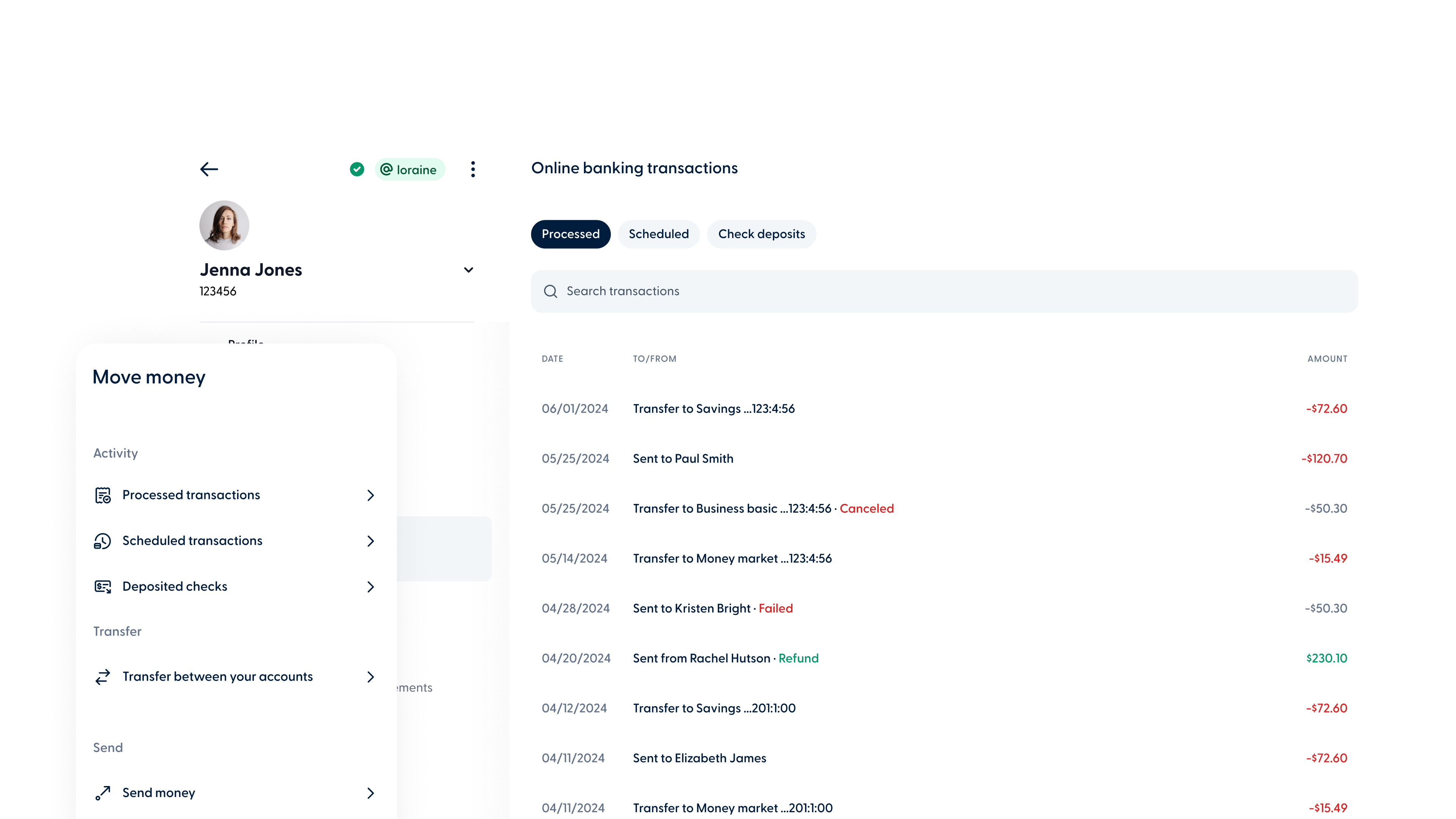
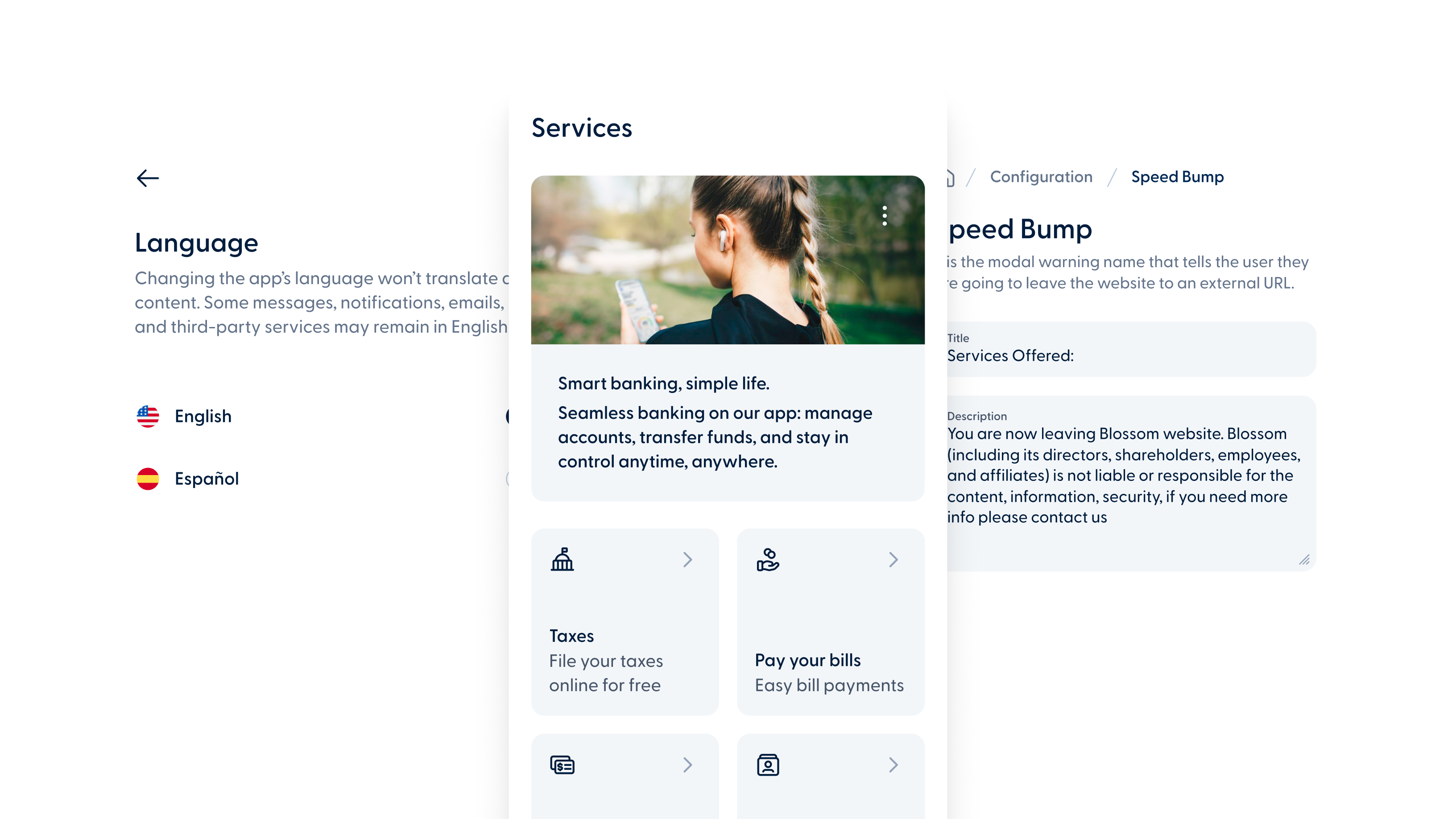
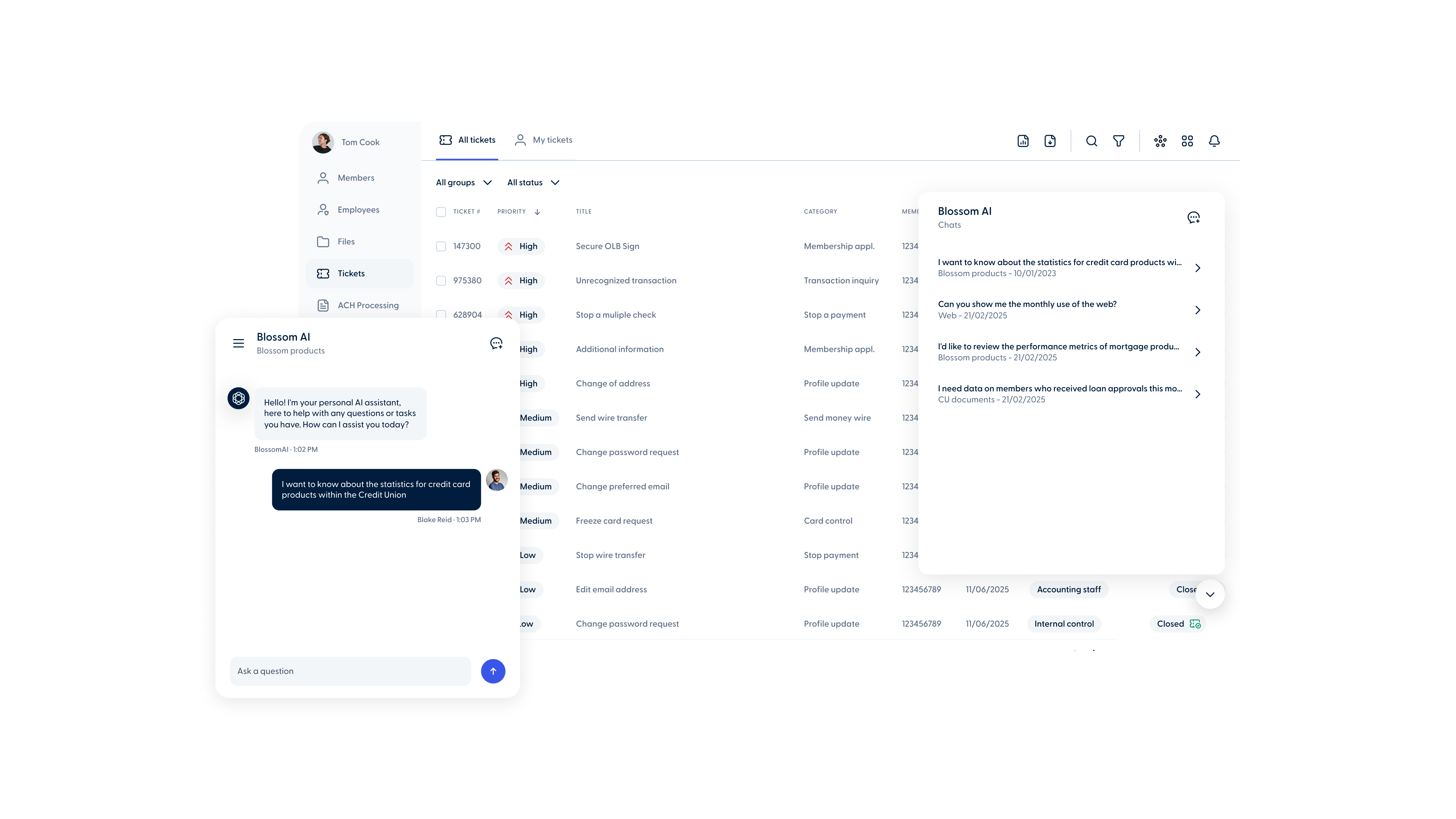
- Web
- Mobile
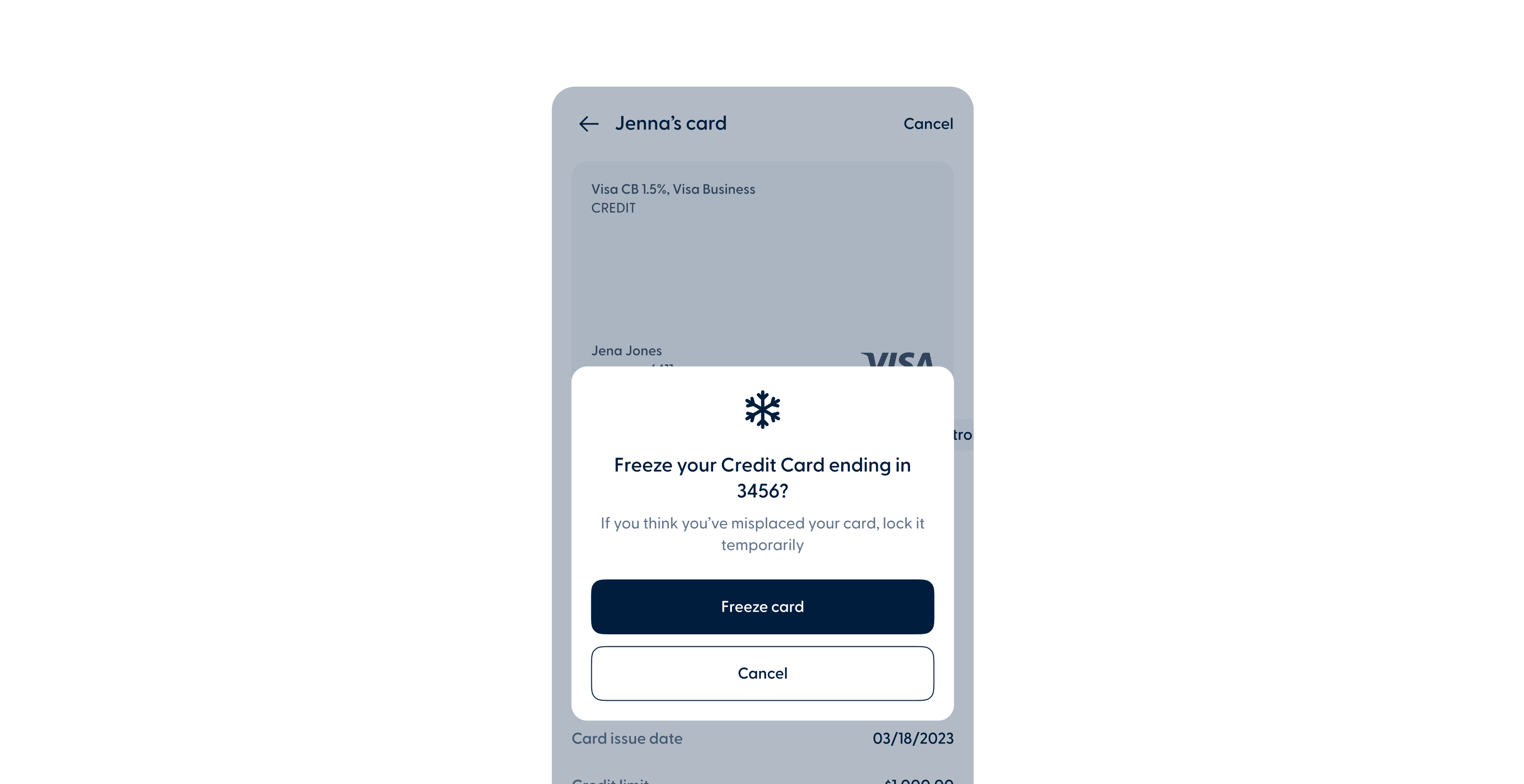
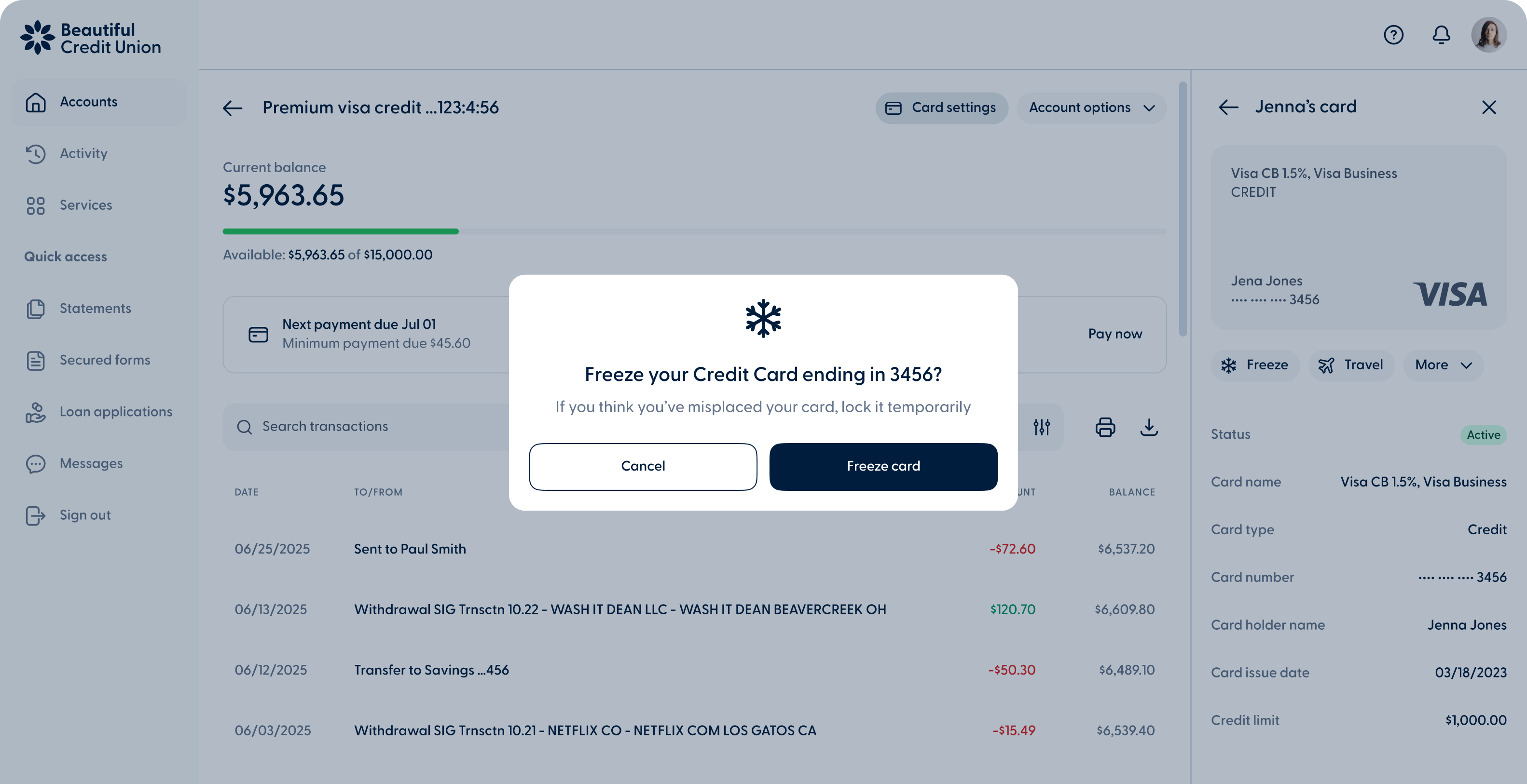
Improved freeze and unfreeze messaging
Freeze and Unfreeze confirmation messages have been updated to provide clearer context and help members confirm the correct card action in the web and mobile banking app.

Freeze and Unfreeze confirmation messages have been updated to provide clearer context and help members confirm the correct card action in the web and mobile banking app.
Activate renewed cards online
Members can now activate renewed debit and credit cards linked to Blossom Core directly through the web and mobile banking app.
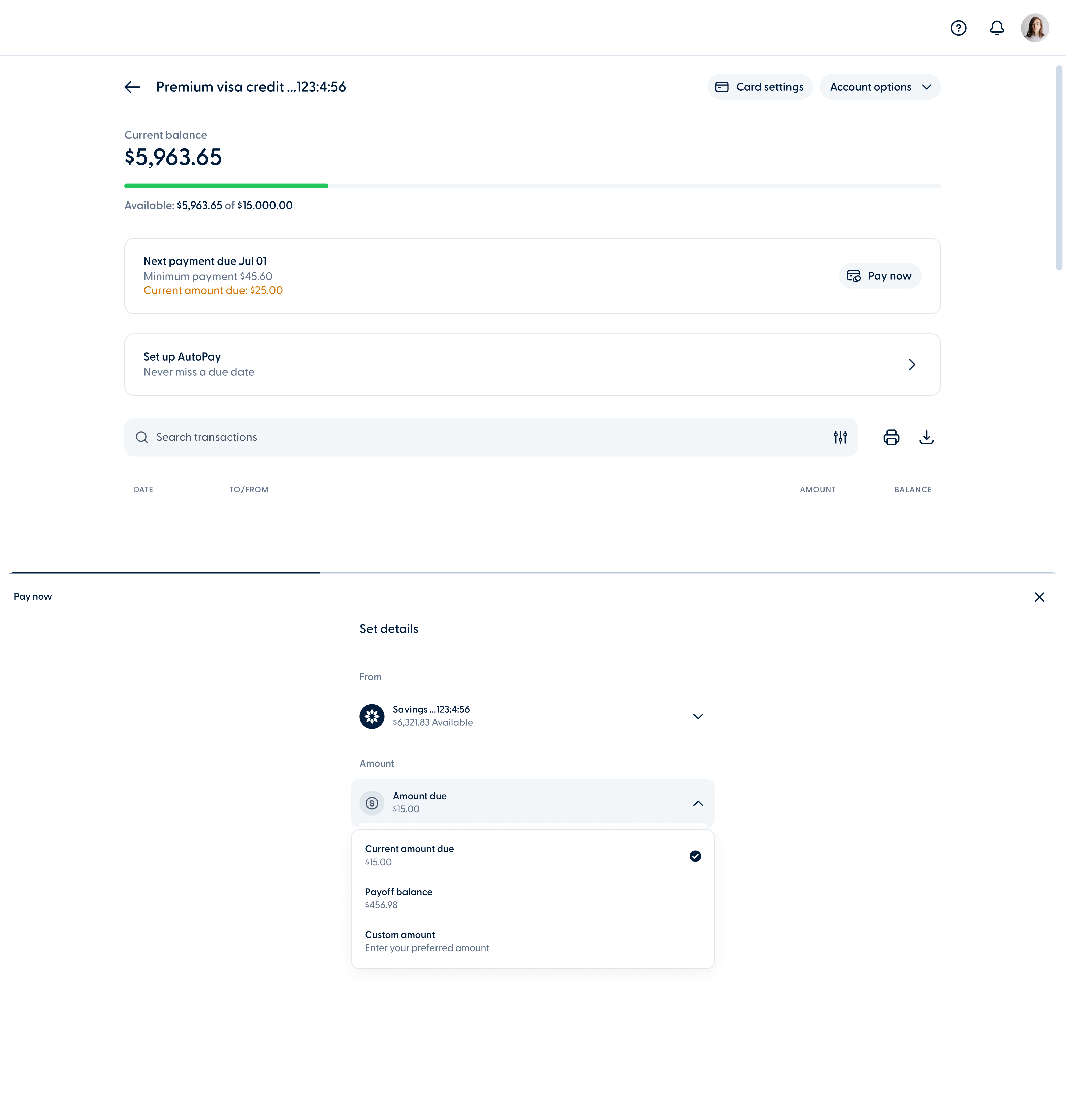
When members make a partial payment, the remaining amount for the billing cycle is now labeled “Current amount due”. This change applies to the Home view and the Pay now dropdown in the web and mobile banking app, helping members clearly understand what they still need to pay.
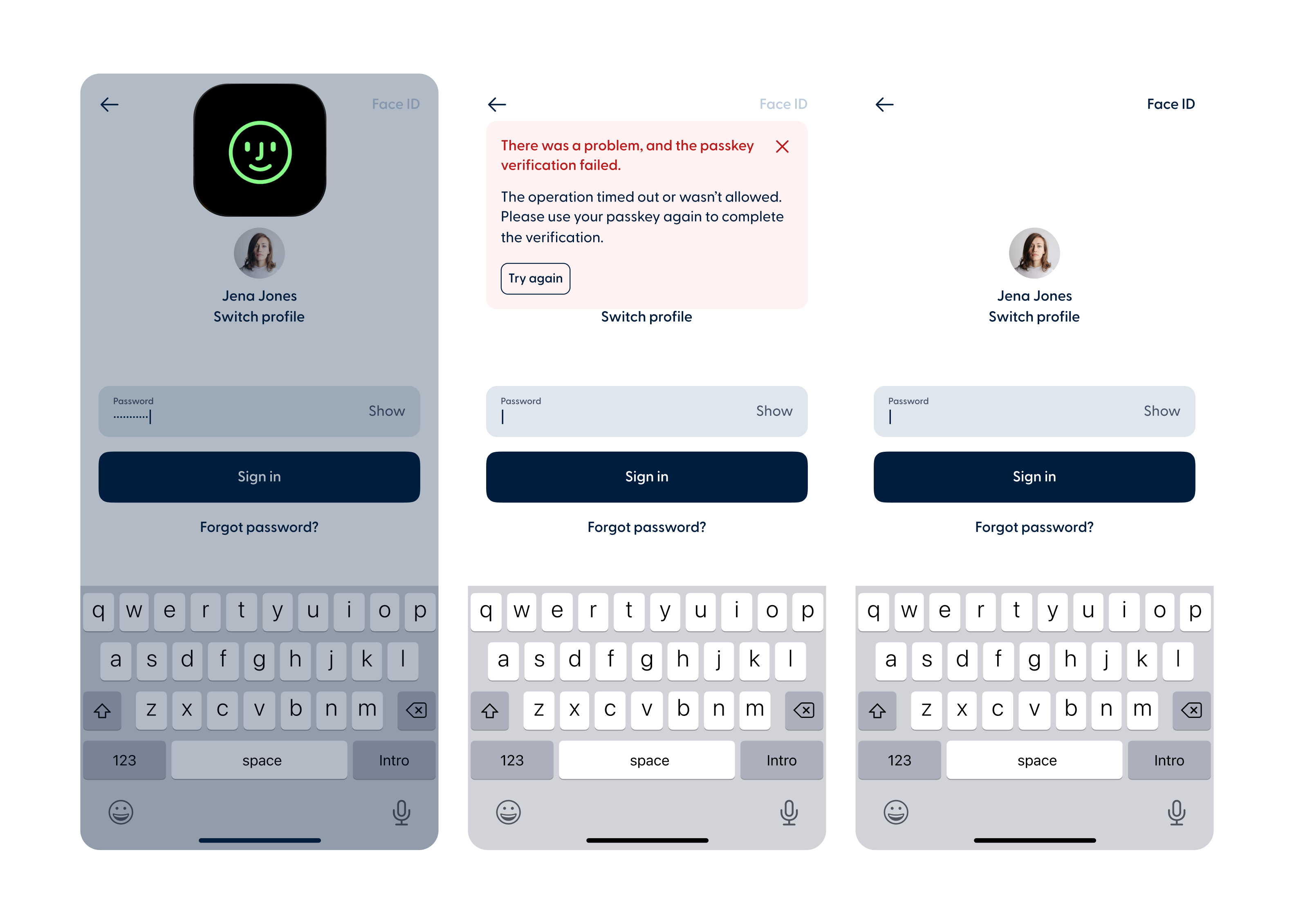
Members can now sign in to the mobile app using both Passkey and Biometrics. When both are enabled, Passkey will be the default method. If Passkey fails or is canceled, members can switch directly to Face ID or fingerprint without restarting the sign-in process.
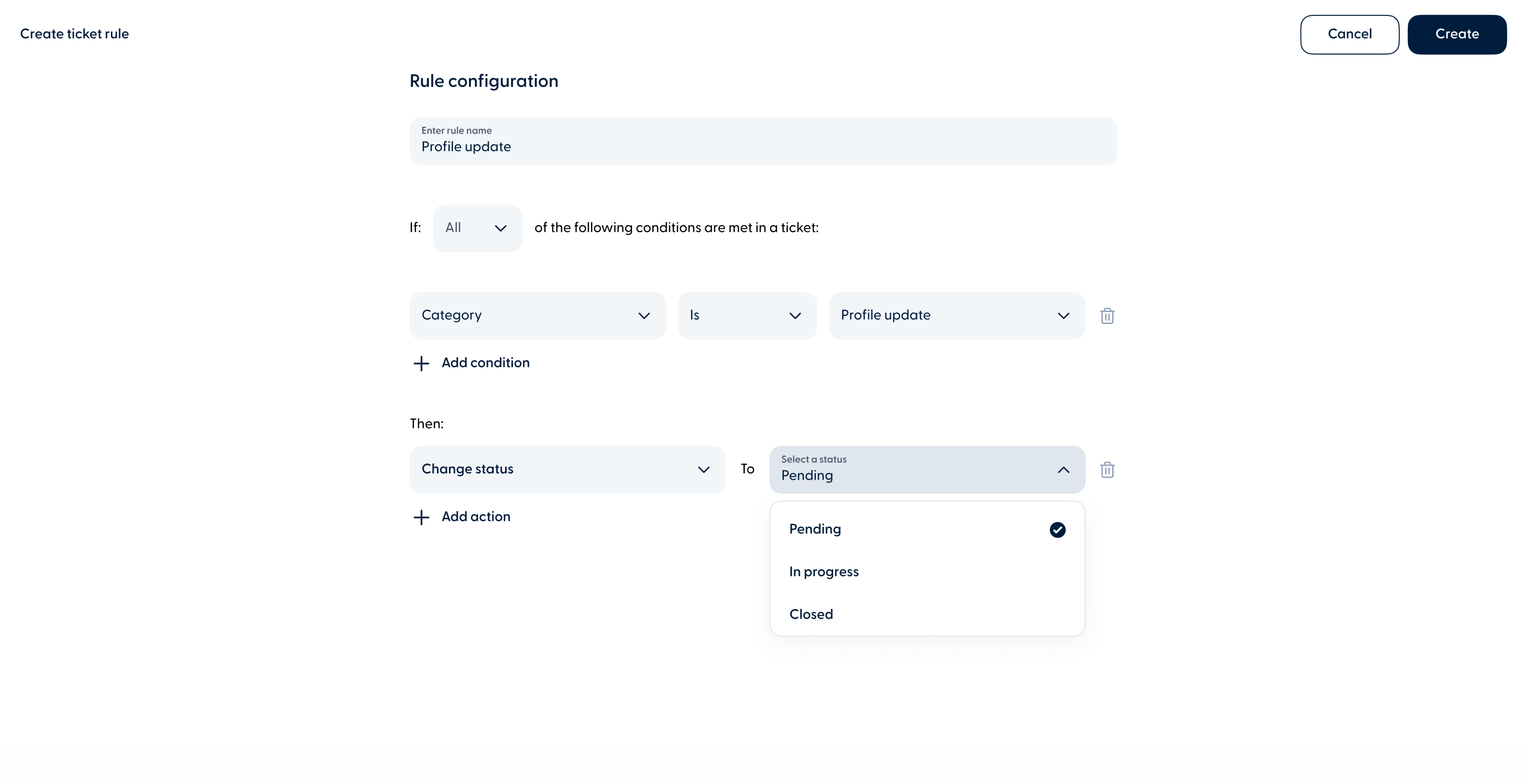
Admins can now configure Ticket Rules to automatically update the ticket status to Pending, In Progress, or Closed when specific conditions are met.
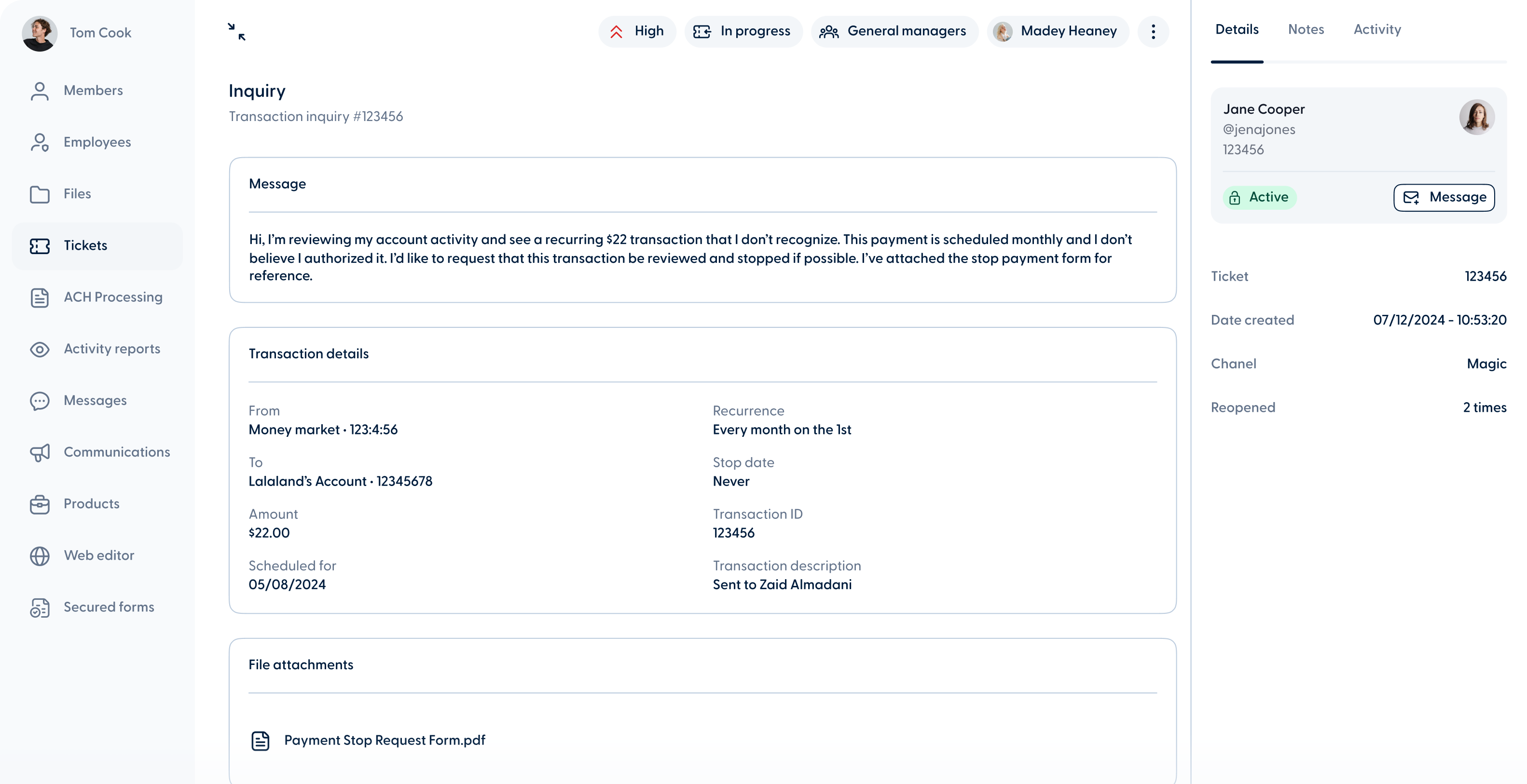
Transaction Inquiry tickets now include expanded information based on the transaction type:
Scheduled transactions: Show "Scheduled to," "Recurrence," and "Stop date" details.
Batch transactions: Support multiple recipients, with links to view recipient details.
Check deposits: Include a new "Check Deposit Inquiry" subcategory, with check details and the option to view the check image.